Avoid the purchases that look good only on the product page
A jacket, dress, or pair of jeans can look convincing on a model and still feel wrong on your own proportions. A quick preview helps you check the overall look before spending money.
Online shopping often asks you to decide from a model photo, a cropped product image, or a mobile screenshot. TryThemOn.Me gives you a visual decision helper before checkout, so you can judge whether the item is worth buying.
A jacket, dress, or pair of jeans can look convincing on a model and still feel wrong on your own proportions. A quick preview helps you check the overall look before spending money.
TryThemOn.Me works with clear clothing images from boutiques, marketplaces, saved product photos, and shopping screenshots. The cleaner the garment image, the more useful the preview.
The result is an AI visual preview for style, silhouette, color, and proportion. It does not replace size charts, measurements, fabric notes, or return-policy checks.
A real TryThemOn.Me example showing how a clothing image can be used to preview the overall look before buying.
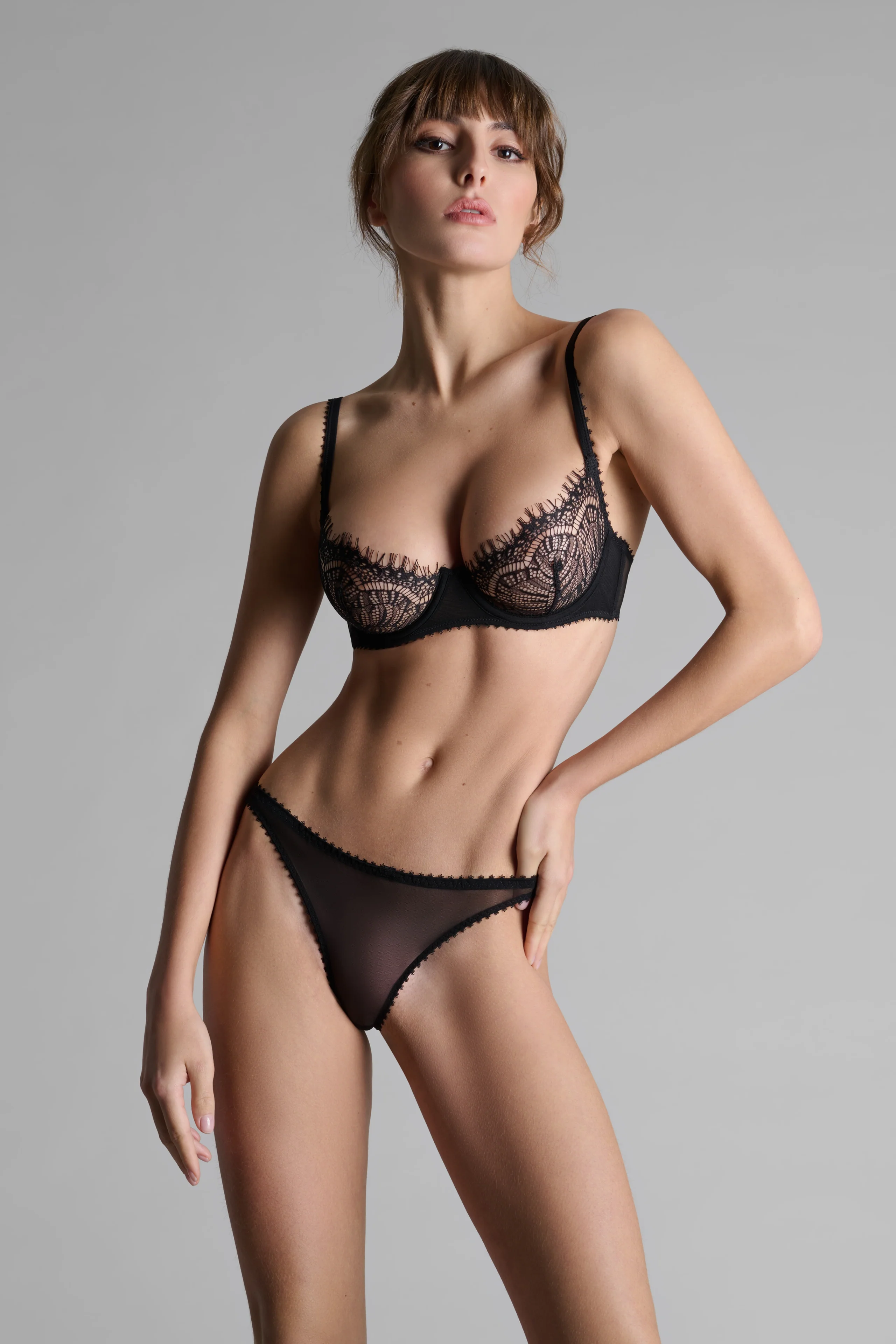
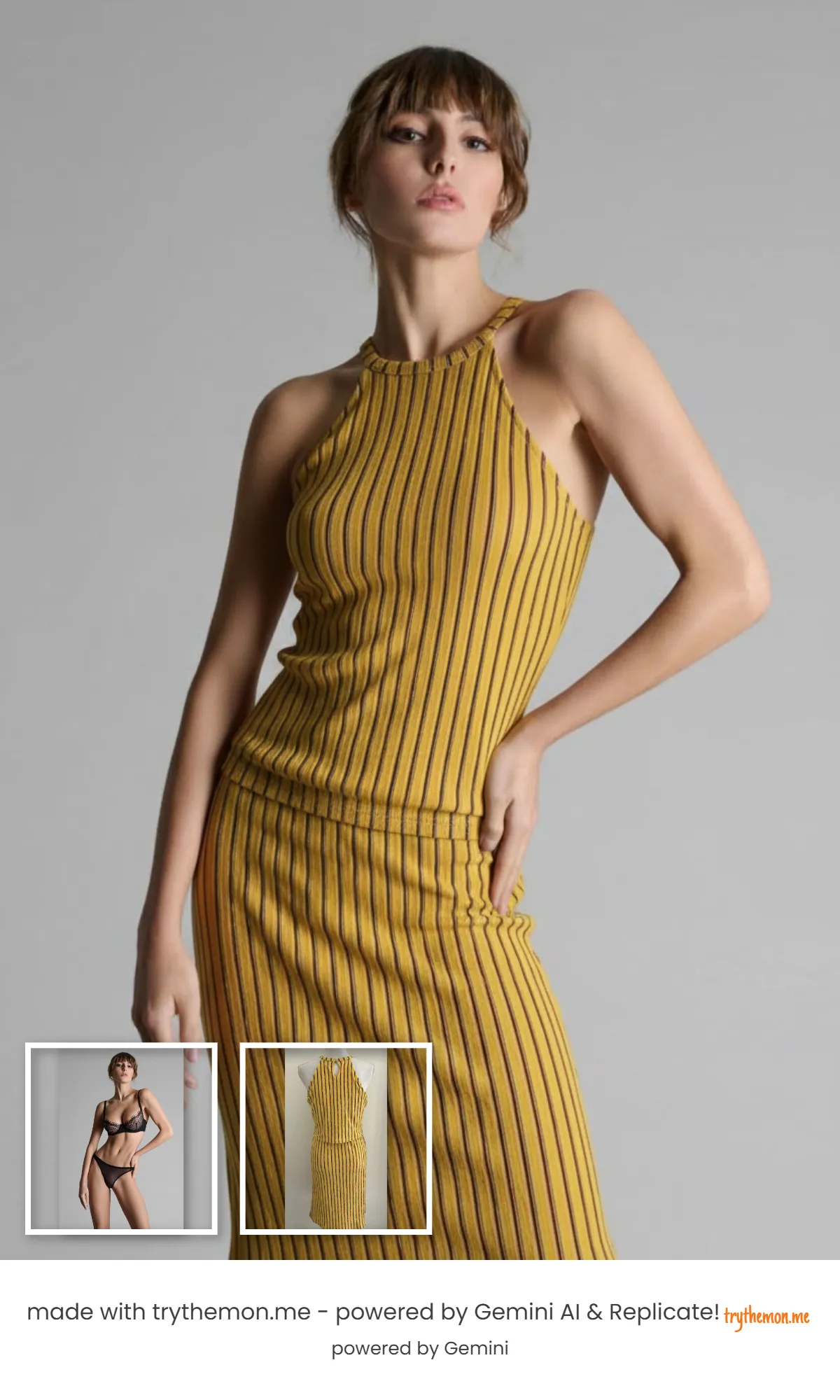
Use examples like this to judge style, silhouette, and proportions, not exact sizing.
Preview clothes before you buyUse a front-facing photo with good lighting for best accuracy.
Upload the product image you want to test from any online store.
See a realistic visualization and compare styles before checkout.
Launch the app and generate your preview in seconds.
Preview clothes before you buyThese references provide broader context on virtual try-on and online shopping decisions.
Yes. Upload your photo and a clothing image to preview how the item could look on your body.
It can help by showing style, proportions, and silhouette on your photo before purchase.
No. It is a visual preview tool, so size charts and seller measurements still matter.
Use clear product photos or screenshots where the garment is visible from the front and not hidden by heavy styling.